What happened to Paint 3D
You search for Paint 3D in the Microsoft Store, but it’s not there. You try again, thinking maybe you made a mistake. Still nothing. Don’t worry, you’re not alone. Lots of Windows users are running into the same problem right now.
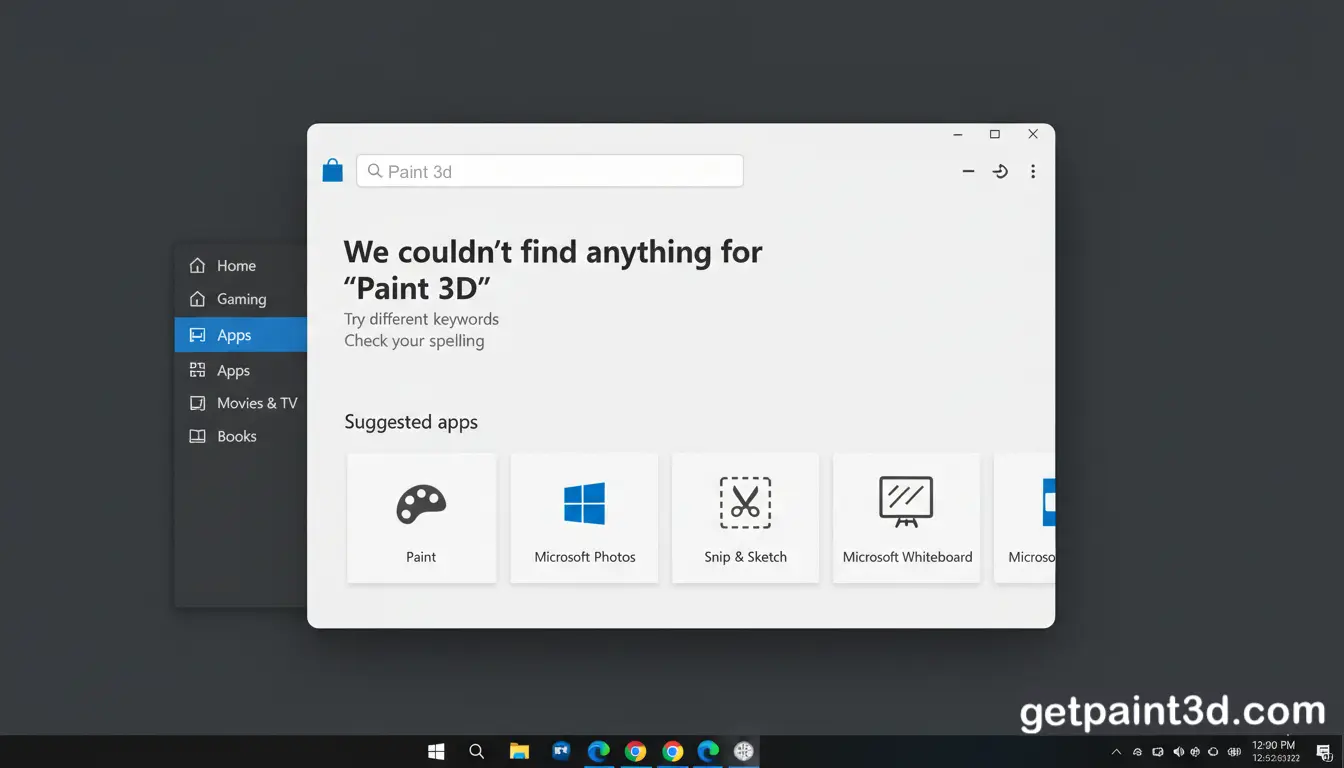
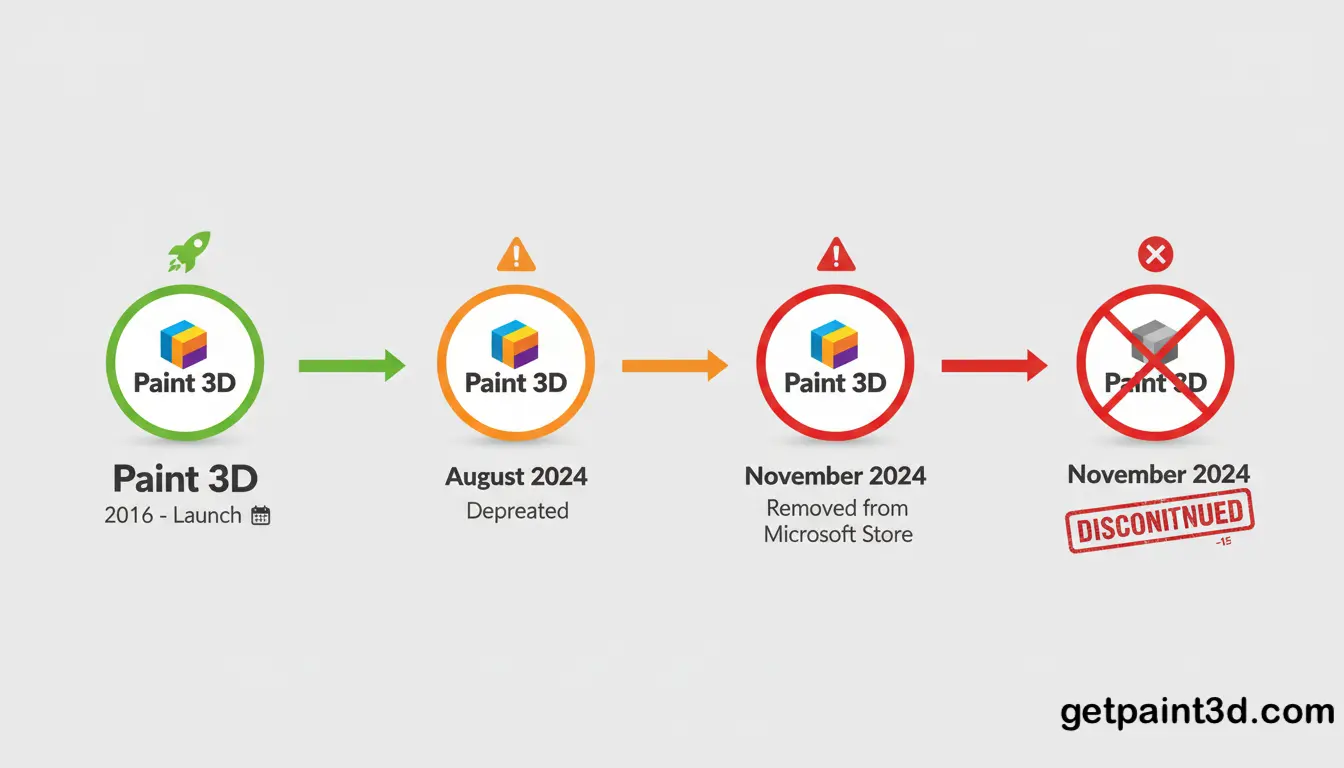
So what happened to Paint 3D? Microsoft stopped supporting it in August 2024. Then, in November 2024, they removed it from the Microsoft Store completely. If you already have it on your computer, it still works. But Microsoft isn’t updating it anymore or adding anything new to it.
Why Was Paint 3D Removed from the Microsoft Store?
Microsoft removed Paint 3D from the Store because it officially stopped supporting it. When Microsoft decides an app is done, they usually pull it from the Store so new users don’t accidentally download something that’s not being updated anymore. It just makes sense to avoid that confusion.
The other big reason is that Microsoft has moved on to other apps. They’re putting all their energy into the regular Paint app and the Photos app now. Both of these are still getting updates and new features. Since the 3D Paint wasn’t getting any love anymore, it didn’t make much sense to keep it sitting in the Store. So Microsoft took it down and is pointing people toward the apps they’re actually working on.
Can You Still Use Paint 3D in 2026?
Yes, you can absolutely still use Paint 3D in 2026 if you already have it on your computer. Ending the support by Microsoft for Paint 2D does not mean that the app will stop running. It is still used by numerous users for basic 2D editing and simple 3D designing.
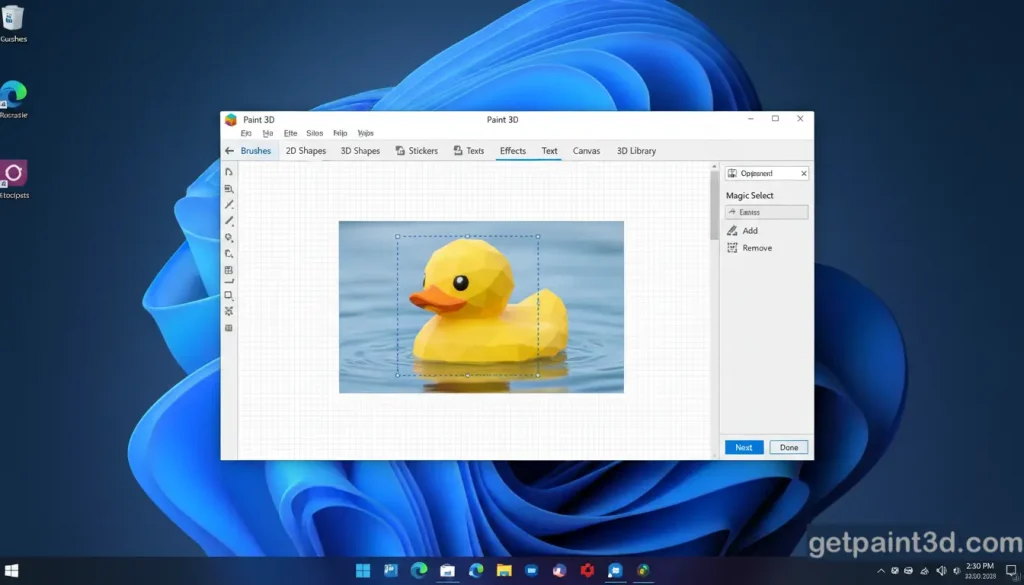
If you don’t have it installed yet on your computer, you can download Paint 3D from our website. Since Microsoft removed it from their store, you’ll need to download it from a trusted source like ours. Just remember that it won’t get any updates or new features going forward. But for everyday creative stuff, it still does the job just fine.
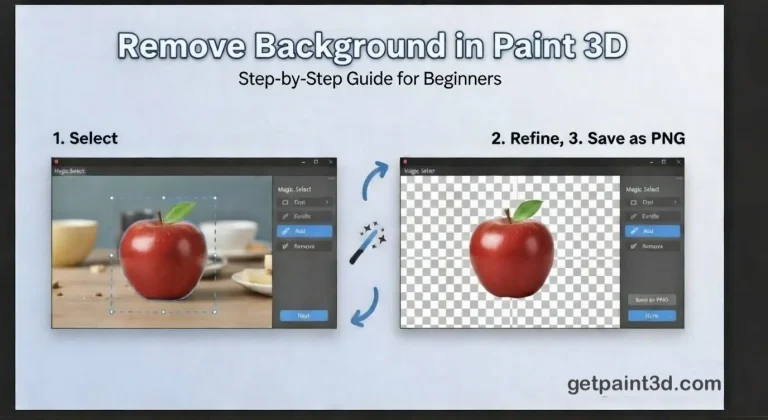
For example, you can still remove backgrounds in Paint 3D using the Magic Select tool.
Is Paint 3D Safe to Use After Discontinuation?
If Paint 3D is already on your computer, it’s still safe to use. It’s an official Microsoft app, and it doesn’t just turn dangerous because they stopped supporting it. You can keep using it for drawing and 3D projects without worrying.
That said, there’s one thing to keep in mind. Since Microsoft isn’t updating it anymore, Paint 3D won’t get any security patches or bug fixes down the road. This is why the source of your download matters. If you need to install it again, make sure you download 3D Paint from a trusted and safe website like ours. Avoid unknown sources, as they may include modified or harmful files
How Are Users Reacting After What happened to Paint 3D?
A lot of people were surprised when 3D Paint got discontinued. Some users are upset about it because they used the app for quick edits and basic 3D work. For beginners, it was great because it was easy to use and not confusing.
Others don’t understand why Microsoft removed it. People were still using it, so why take it away? If you check forums or social media, you’ll see lots of people asking where they can download Paint 3D now or how to get it back on their computer. Even though Microsoft stopped supporting it, many users still like the app and want to keep using it.
What Should You Use Instead of Paint 3D?
1. Microsoft Paint for Basic Editing
If you just need simple drawing or image editing, regular Microsoft Paint works fine. Microsoft still updates it and adds new things to it. It’s good for quick sketches, cropping images, and basic edits. Plus, it’s super easy to use.
2. Photos App for Image Viewing and Small Edits
The Photos app is useful for viewing images and making small changes like brightness, contrast, and filters. It’s already on your Windows computer, so you don’t need to download anything. It’s perfect for image tasks.
3. 3D Viewer for Viewing 3D Models
If you need to open 3D files, Microsoft says to use the 3D Viewer app. You can look at 3D models and turn them around to see different sides. But you can’t edit or create anything with it.
4. When Paint 3D Is Still the Better Option?
If you liked the app because it was simple and let you do both 2D and 3D work, you can still use it. You can download it from our website and keep making your 2D or 3D projects, even though Microsoft isn’t updating it anymore.
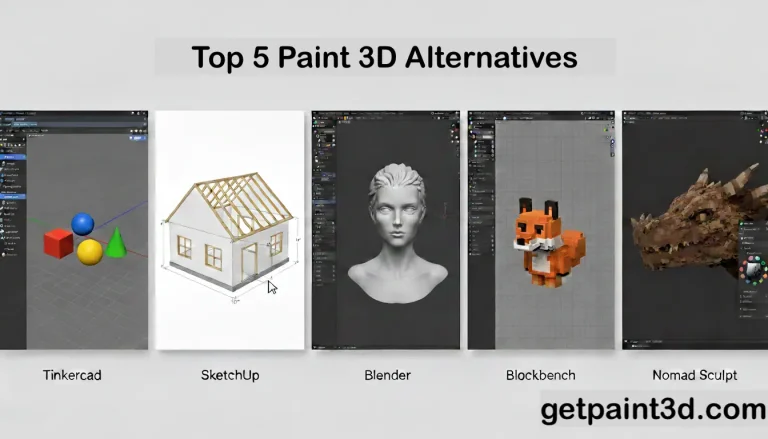
If you’re looking for alternatives with active support, we’ve compiled a list of the best Paint 3D alternatives.
FAQs
Conclusion
Paint 3D might not be supported by Microsoft anymore, but it’s not gone for good. If you already have it on your computer, it still works just fine. A lot of people still use it because it’s easy to figure out and great for beginners.
If Paint 3D does what you need and you like using it, there’s no reason to stop. Just make sure you download it from a safe website if you need to install it again. Microsoft has moved on to other apps, but the software is still useful for people who want something simple and easy to use.