Paint 3D Alternatives – Best MS Paint 3D Replacements in 2026
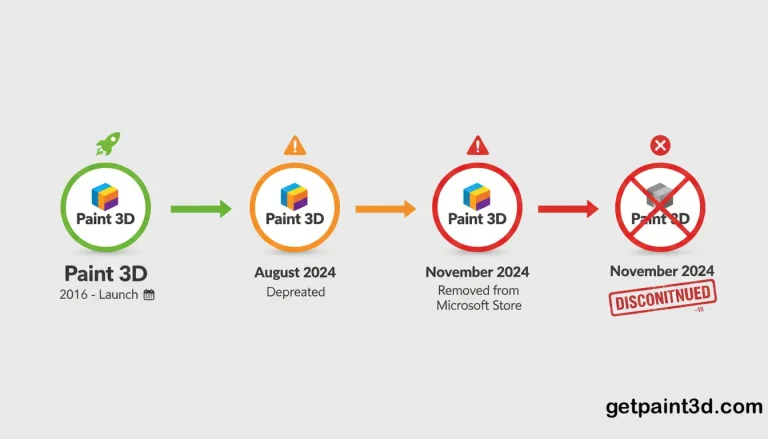
Microsoft Paint 3D is a simple and user-friendly software that allows users to create basic 3D models in Windows. However, Microsoft has officially discontinued it in Aug 2024 and removed it from the Microsoft Store as well. You can still download Paint 3D from our website, but unfortunately, due to no official updates for the software, some users are looking for a better alternative as per their requirements.
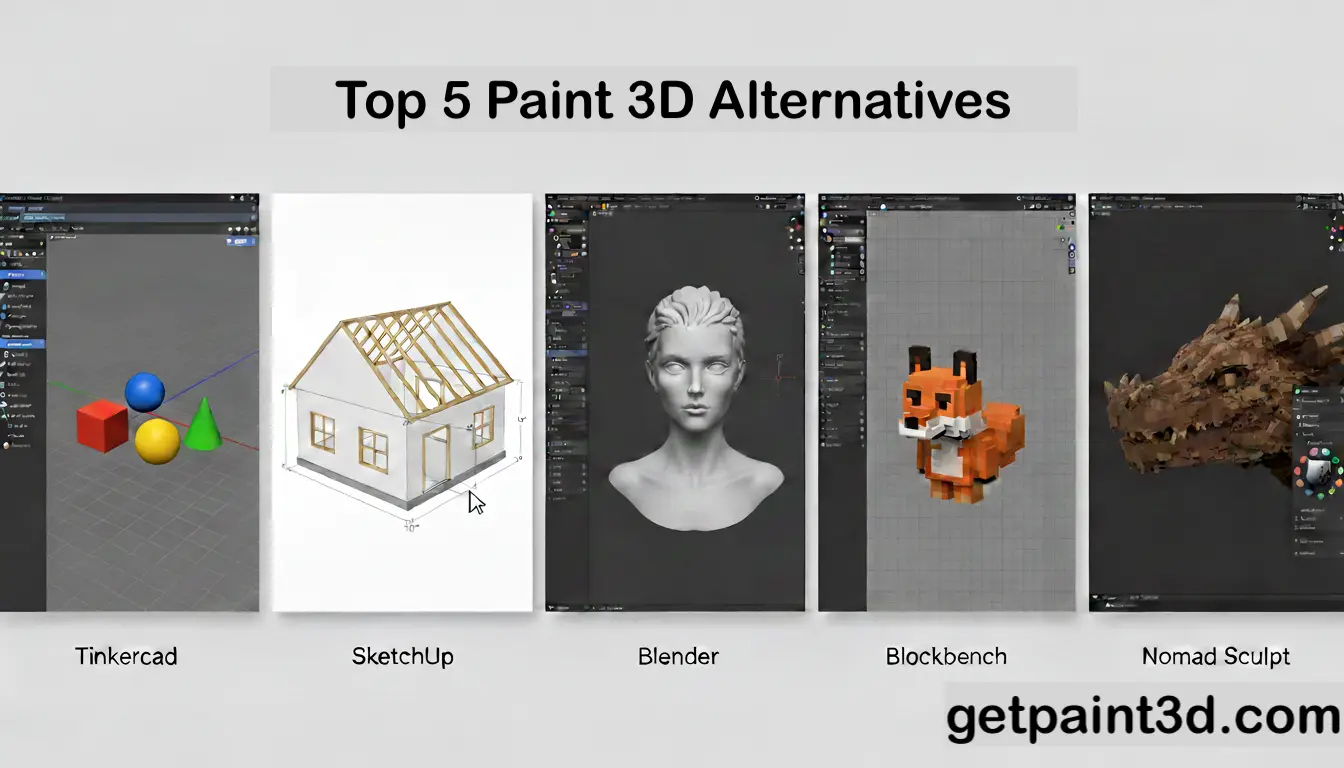
There are different Paint 3D alternatives available, such as Tinkercard, SketchUp, Blender, Blockbence, and Nomad Sculpt. These tools have similar functions, and some of them have more advanced features as well. Here, we will be discussing each option in detail, covering the main features, advantages, and limitations so that you can choose the best tool according to your needs.
1. Tinkercard
Tinkercard is a free web-based 3D modeling platform that is considered the closest alternative to Paint 3D, available online. It is specifically designed for beginners, students, and casual users because it allows you to create models using basic shapes and simple controls.
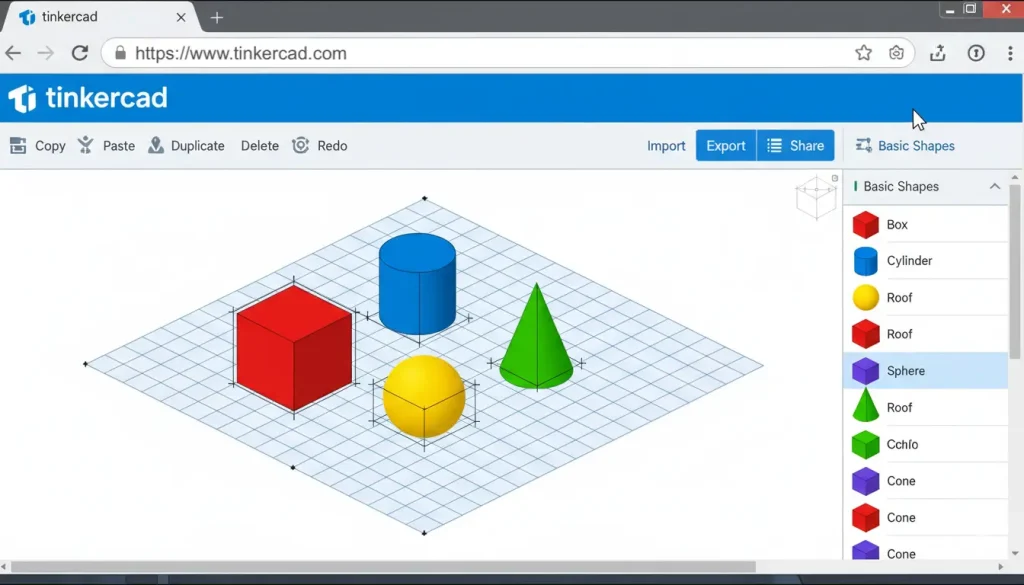
Key Features
Best For
Tinkercard is the best option for those who want a quick and simple way to design 3D models without any technical skills. It is ideal for beginners, students, and educators who need an easy tool for learning or basic 3D projects.
2. SketchUp
SketchUp is another browser-based tool that can be used for creating structured 3D models. It is widely used for designing objects, rooms, furniture, architectural models, and more. You can access it in your browser without any installation.
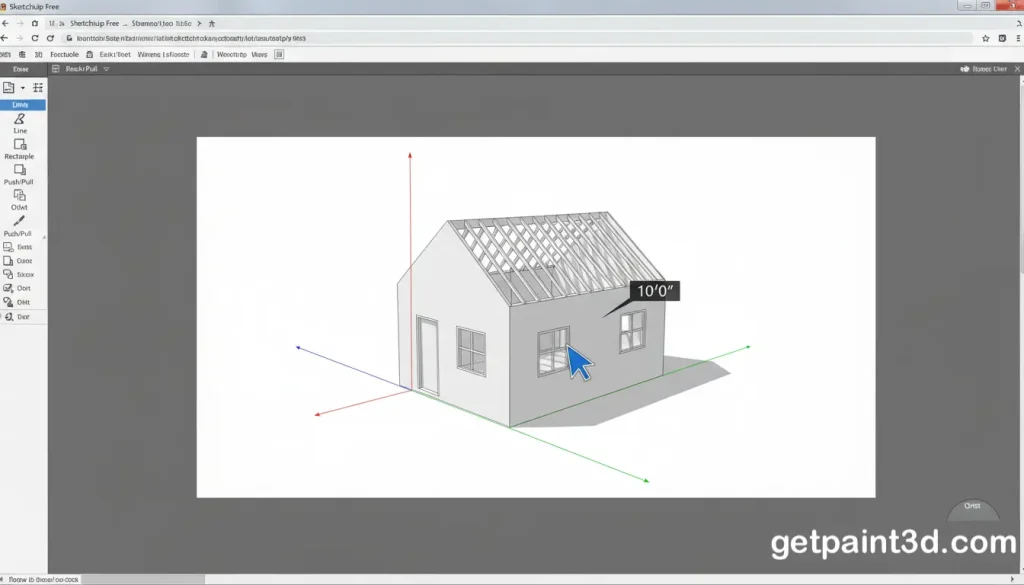
Key Features
Best For
SketchUp is perfect for users who want to create structured and detailed 3D models such as rooms, furniture, and objects. It is suitable for beginners as well as intermediate users who need more control than Paint 3D. The free version is enough for personal use, but if you are planning to use it for commercial use, then you might want to buy the subscription based on your needs.
3. Blender
Blender is a powerful and more advanced option on the list that offers professional-level tools for 3D modeling, sculpting, texturing, animation, and rendering. It is a bit complex and more advanced tool as compared to others, and can be a bit difficult for beginners. It is a free, open-source software and is compatible with Windows, macOS, and Linux.
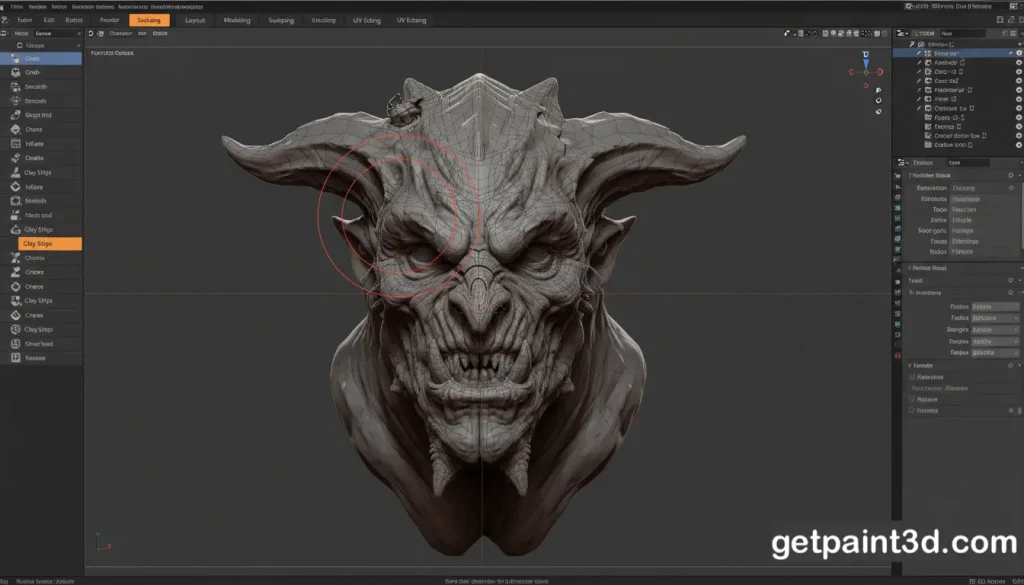
Key Features
Best For
Blender is best for advanced users who need full control over their 3D projects. It is perfect for users who want to go beyond basic 3D modeling and work on detailed designs, animations, or visual effects.
4. Blockbench
Blockbench is another free and lightweight, open-source 3D modeling software that is focused on low-poly modeling and texture painting. It is a good Paint 3D alternative for beginners because it is far easier than Blender and SketchUp. It is popular for creating game assets and simple 3D objects. Blockbench could be used online as a web app or a desktop application (Windows, Linux, macOS).
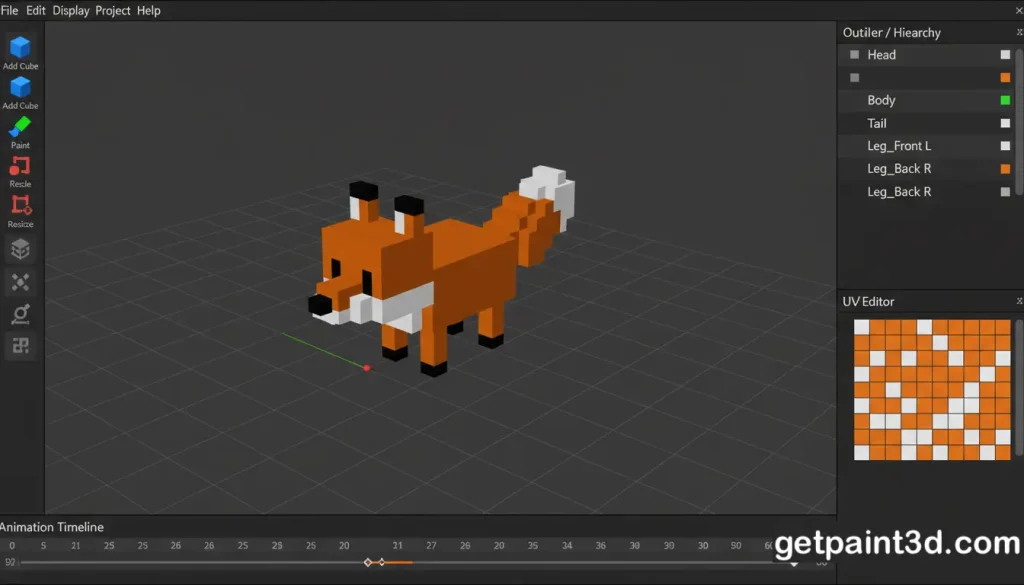
Key Features
Best For
Blockbench is best for users who want to create low-poly 3D models and simple animations. It is a good choice for beginners, game asset creators, and users who want built-in painting and animation features.
5. Nomad Sculpt
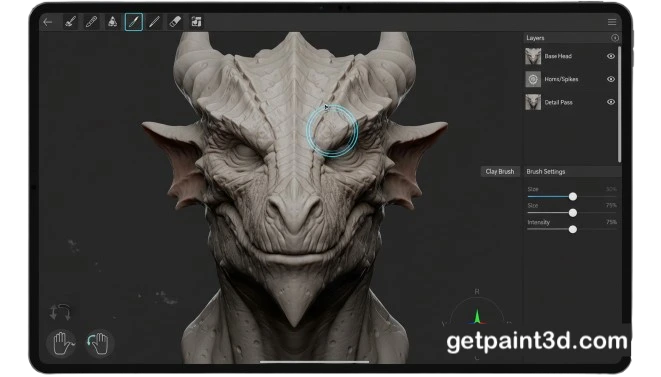
Nomad Sculpt is a modern 3D sculpting tool that takes a completely different approach to 3D creation. Instead of shapes and polygons, it uses digital sculpting just like working with clay. It provides a more artistic control over 3D designs. Nomad Sculpt is available on iPad, Android, and desktop platforms such as Windows and macOS. It follows a one-time purchase model, with separate pricing for mobile devices and desktop systems, making it flexible for different types of users.
Key Features
Best For
Nomad Sculpt is best for artists and users who want to create detailed and organic 3D models. It is ideal for character design, sculpting, and artistic projects. If you are looking for a Paint 3D alternative that focuses on sculpting and painting, Nomad Sculpt is a strong choice.
Comparison Table
Feature |
Paint 3D |
Tinkercad |
|---|---|---|
|
Platform Type |
Windows App |
Web-Based |
|
Ease of Use |
Very Easy |
Easy (Ideal for Students & Beginners) |
|
3D Modeling |
Basic shapes and simple editing |
Shape-based modeling |
|
3D Painting / Texturing |
Basic coloring |
Limited |
|
3D Printing Support |
Partial (requires conversion) |
Direct export (STL / OBJ) |
|
Animation Support |
No |
No |
|
Offline Access |
Yes |
No |
|
Export Formats |
Limited |
STL, OBJ, GLTF |
|
Price |
Free (comes with Windows) |
Free |
|
Best For |
Beginners, casual users |
Students, beginners, 3D printing learners |
FAQs
Conclusion
Since Paint 3D is discontinued, many users are now switching to better and actively supported alternatives. Tools like Tinkercad and Blockbench are great for beginners, while Blender and Nomad Sculpt are better for advanced and creative work. Although Paint 3D can still be used for basic tasks, choosing a modern alternative is a smarter option for long-term use and better features.